

Summary
Summary lists every creator you’re working with: their concept, where they are in the process, the video waiting on your review, usage rights, and the live post once it’s up.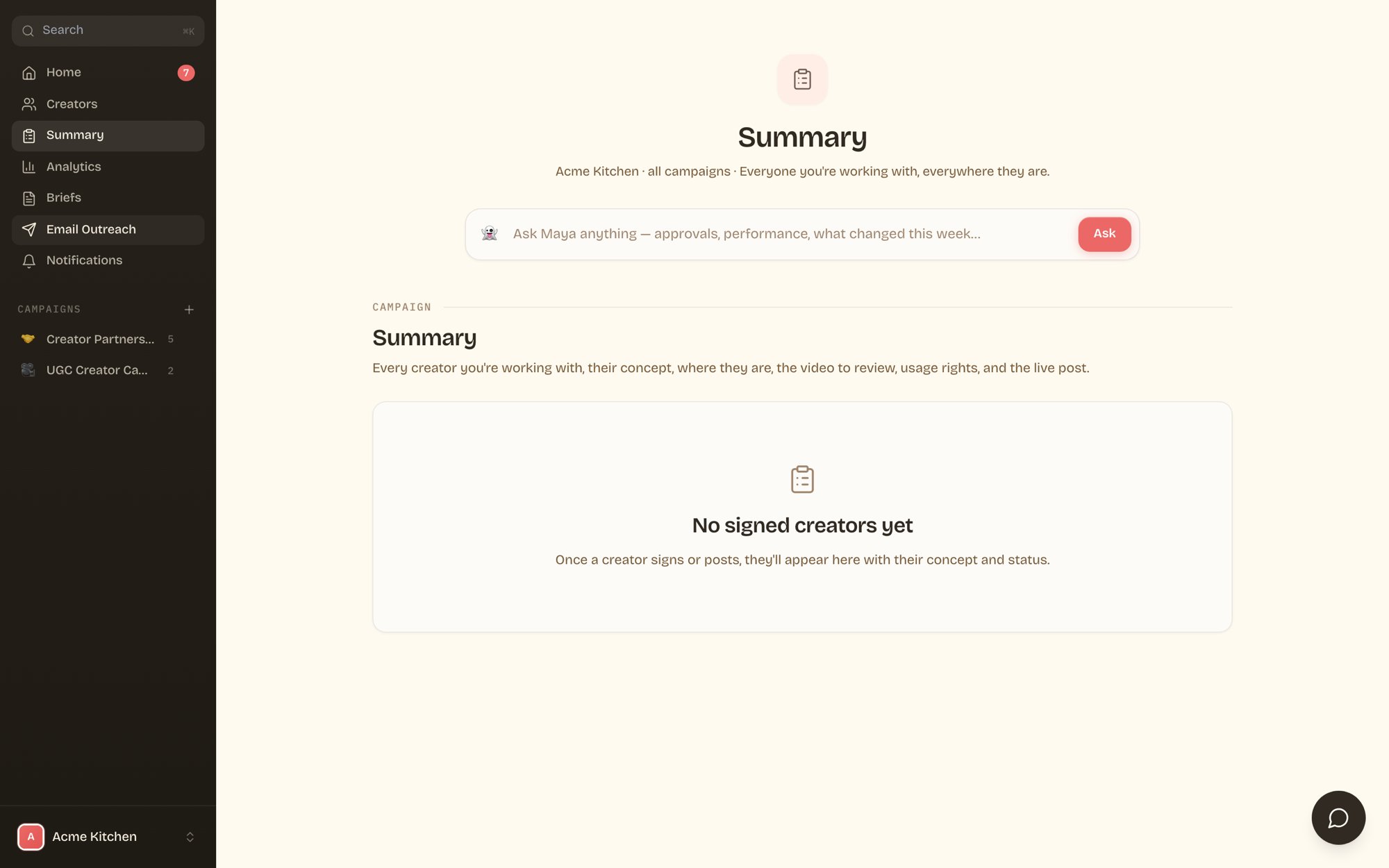
Summary fills in as creators sign. Concept, status, video review, usage, and the live post, per creator.
Analytics
Analytics tracks the posts that go live: views, likes, and comments per post, per creator, and campaign totals. Numbers refresh automatically, so the view you see is current without asking anyone for a report.WhatsApp notifications
Prefer to approve without opening the portal? Notifications sends a WhatsApp message when a creator needs your review, with their info and Approve / Deny buttons right in the chat.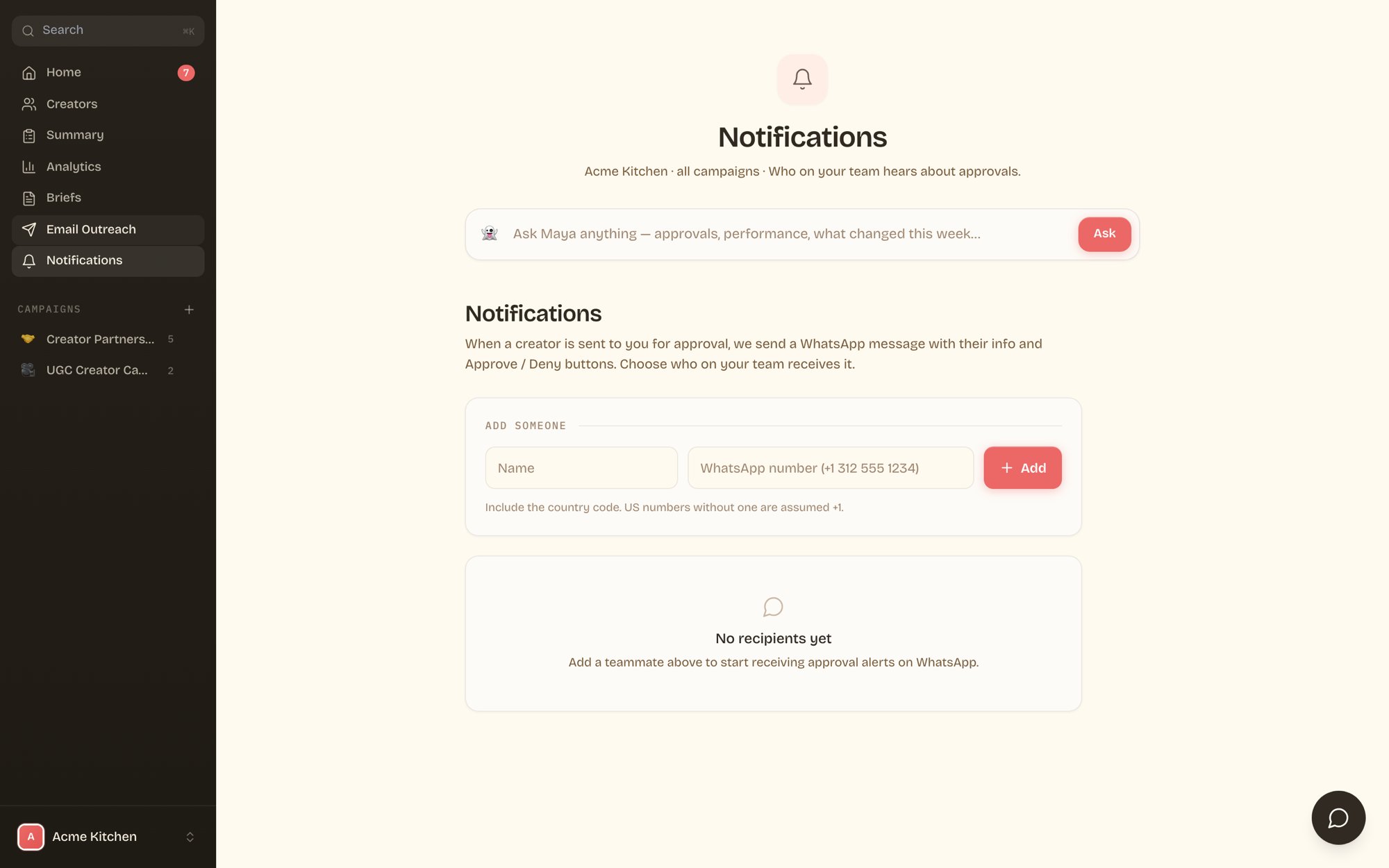
Add teammates by WhatsApp number. Each gets approval alerts with inline buttons.