
Your home feed: every creator waiting on your approval, across all campaigns.
Sign in
The portal uses a magic link, so there is no password to remember.1
Enter your work email
Go to brands.onghost.com and type the email your Ghost team invited.
2
Open the link
We email you a sign-in link. Open it on the same device (it works for 15 minutes) and you are in.
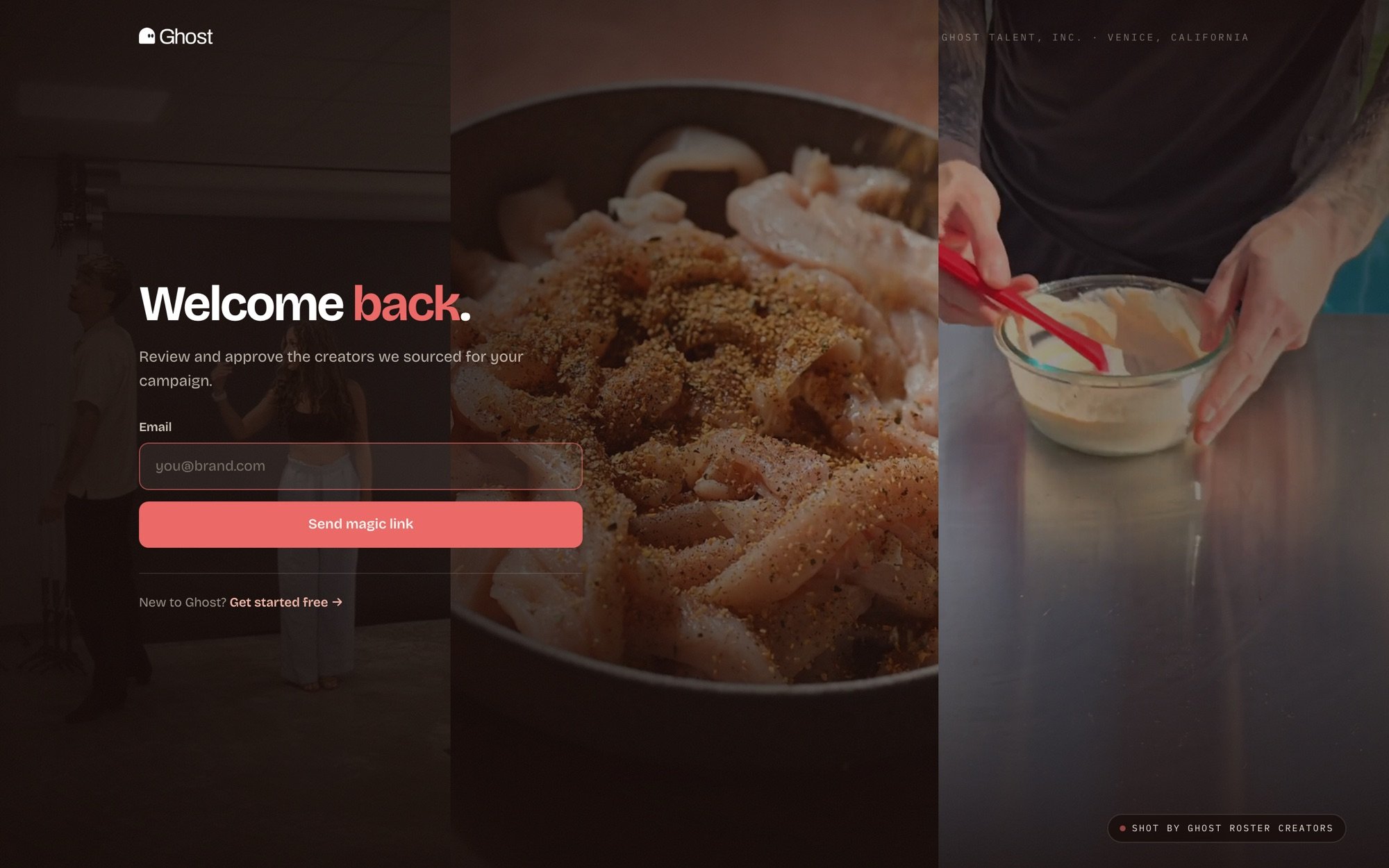
Sign-in is one email and one click.
Access is invite-based. If your email isn’t recognized, ask your Ghost contact, or have a teammate invite you from Workspace settings.
What’s inside
The left sidebar is your map. Home collects everything that needs you. The rest goes deep on one job each.Review creators
Approve, deny, comment, and tag the creators Ghost sources for each campaign.
Briefs
Write campaign briefs in a full editor and tag them to campaigns.
Email outreach
See the exact emails creators receive and edit the copy yourself.
Track your campaign
Summary, analytics, and WhatsApp approval alerts.
Workspace settings
Brand details, your team, and sign-in access.
Connect your AI
Review creators and pull performance from Claude or ChatGPT.