

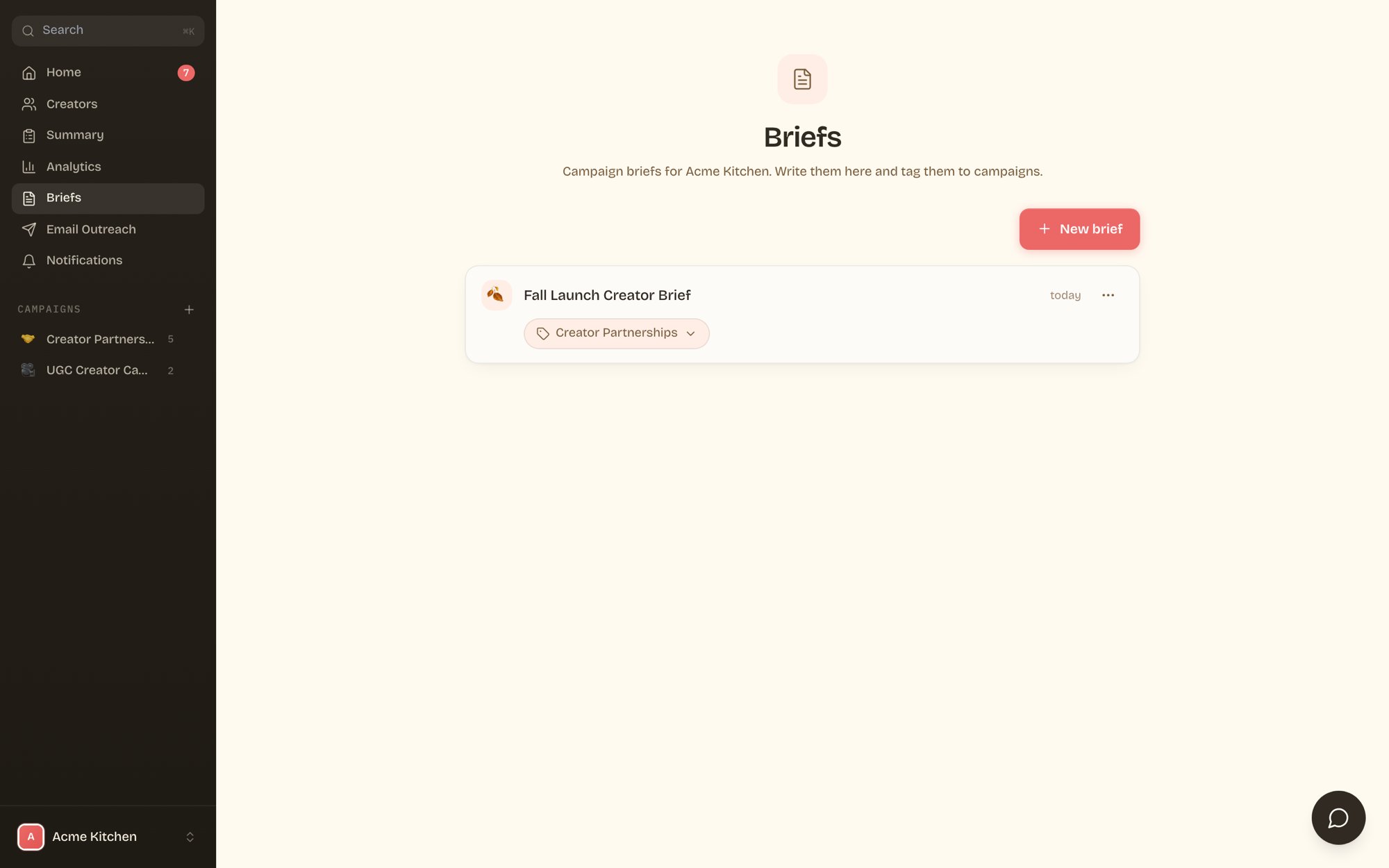
All your briefs in one place, each tagged to its campaigns.
Write a brief
Click New brief, give it a title and an emoji, and write. The editor supports headings, bold and italic, bullet and numbered lists, links, and images. Briefs save as you type.
The brief editor: full formatting, autosave, and campaign tagging.
- Slash commands. Type / on an empty line for headings, lists, and blocks without touching the toolbar.
- Write with AI. Click Write with AI and describe what you want. It drafts the brief for you, and you edit from there.
- Campaign tags. Tag a brief to one or more campaigns with the dropdown under the title. It then shows up on each campaign’s Brief tab.
What makes a good brief
Short beats long. The briefs that get the best content answer four things:- What you’re launching or promoting, in one or two sentences.
- Who the creator’s audience should be.
- Deliverables. What they post, where, and what must be visible.
- Do and don’t. The handful of rules that actually matter.