
Documentation Index
Fetch the complete documentation index at: https://docs.onghost.com/llms.txt
Use this file to discover all available pages before exploring further.
How to schedule a campaign
Want to schedule your campaign to send at a later time? Ghost makes it easy with natural language scheduling - no calendar picker required.Start scheduling
-
Click “Send Later”
In the campaign info box (where you set your subject line and sender name), click the Send Later button.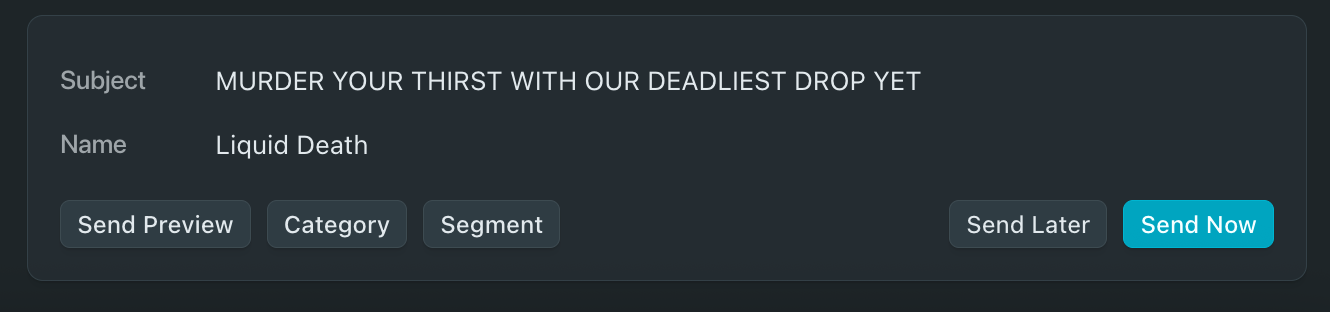
-
Type when you want it to go out
You can type naturally - Ghost AI understands phrases like:-
"in 2 hours and 30 minutes" -
"next Monday at 8am" -
"September 5th 4:30pm in San Francisco"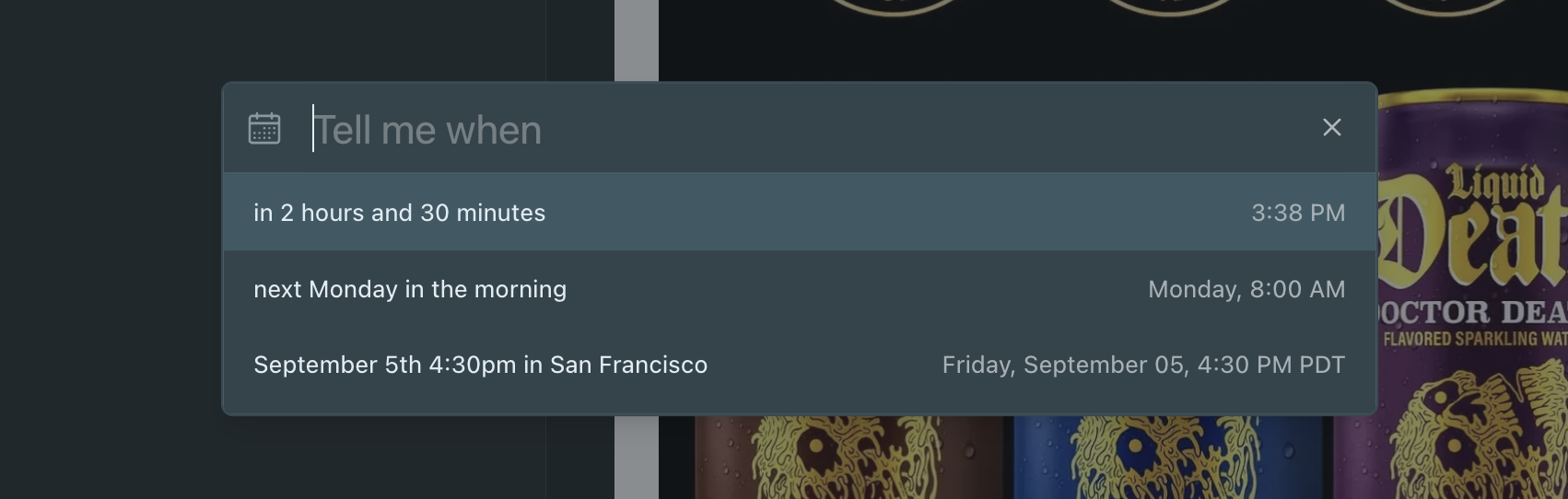
-
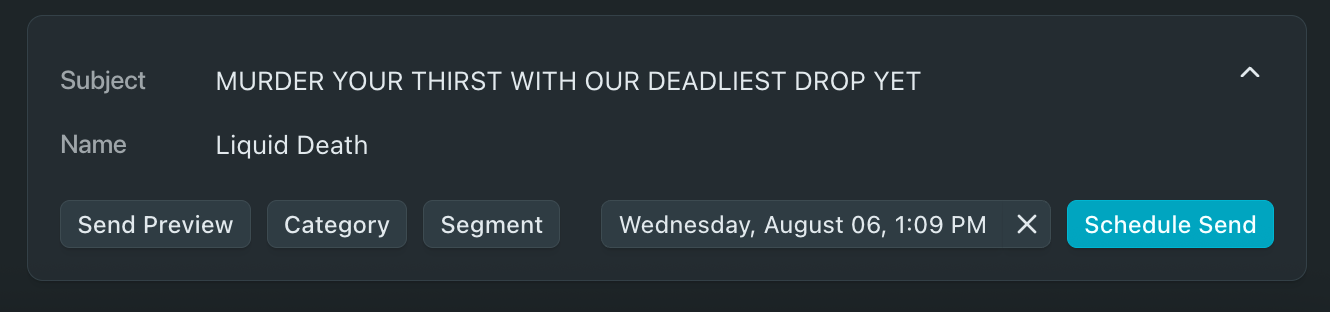
- Click “Schedule Send”
Please note to finalize & schedule your campaign. Once you’ve typed when to send it, hit Schedule Send to finalize it. You’ll see the date and time lock in right next to your campaign details.